

Upgrade from Envelomat 1.x to Envelomat 2
Envelomat 2 is the new version of the envelope printing software, written from scratch. It transfers your addresses, senders, groups and own templates with one click, and as an owner of a 1.x licence you buy it at a discounted price. Your Envelomat 1.x stays untouched.
For Windows 10 and Windows 11 (64-bit). Free 30-day trial – the data transfer works even without a licence.
Discounted upgrade from Envelomat 1.x
Envelomat 2 is a new product with its own licence – a licence of Envelomat 1.x is not valid in it. Owners of a paid licence of version 1.x buy Envelomat 2 at a permanently discounted price.
| Basic – upgrade from 1.x for owners of Envelomat 1.x Basic · 1 PC | €25 | Buy |
| Enterprise – upgrade from 1.x for owners of Envelomat 1.x Enterprise, Business or Network · 3 PC | €59 | Buy |
- Start Envelomat 2 on the computer with Envelomat 1.x – the home page shows the offer with the number of your 1.x licence (button Copy).
- Write the licence number of Envelomat 1.x into the Note field of the order – we verify it before issuing the new licence. Trial licences of 1.x are not eligible.
- Addresses, senders, groups and your own templates are transferred free of charge in the program (Home → Import data).
What is new in Envelomat 2
- Modern, fast interface – a 64-bit program for Windows 10 and 11, instant accent-insensitive search, light and dark mode, English, Slovak and Czech.
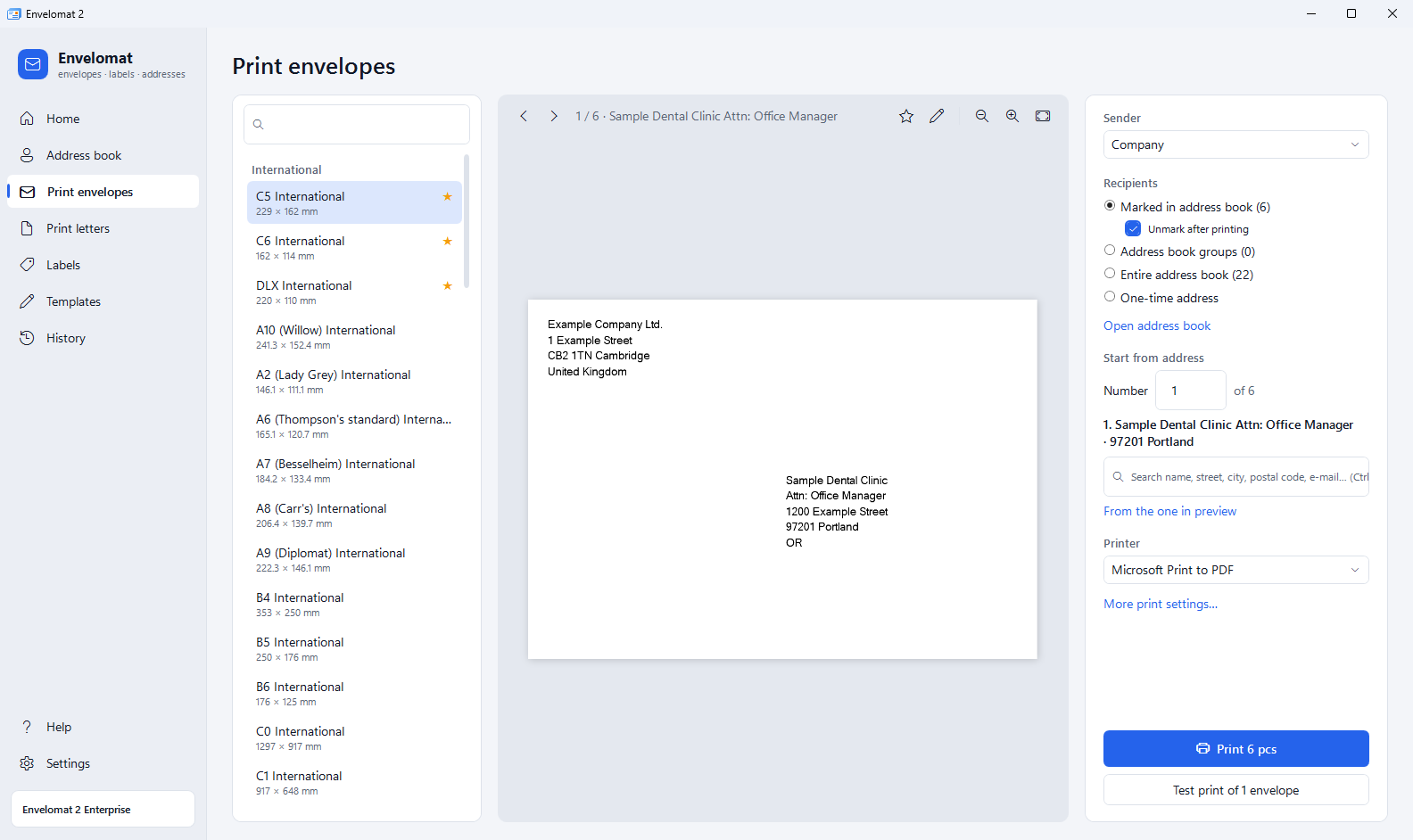
- Exact preview in millimetres – the envelope looks on screen exactly as it will be printed. Offset calibration per printer and a single test envelope.
- Import straight from Excel – .xlsx and .ods files, CSV, vCard and addresses copied from an e-mail. Columns are mapped automatically, duplicates are skipped.
- Address groups – envelopes, labels, a letter or an export for a whole group with one click. An address can be in several groups.
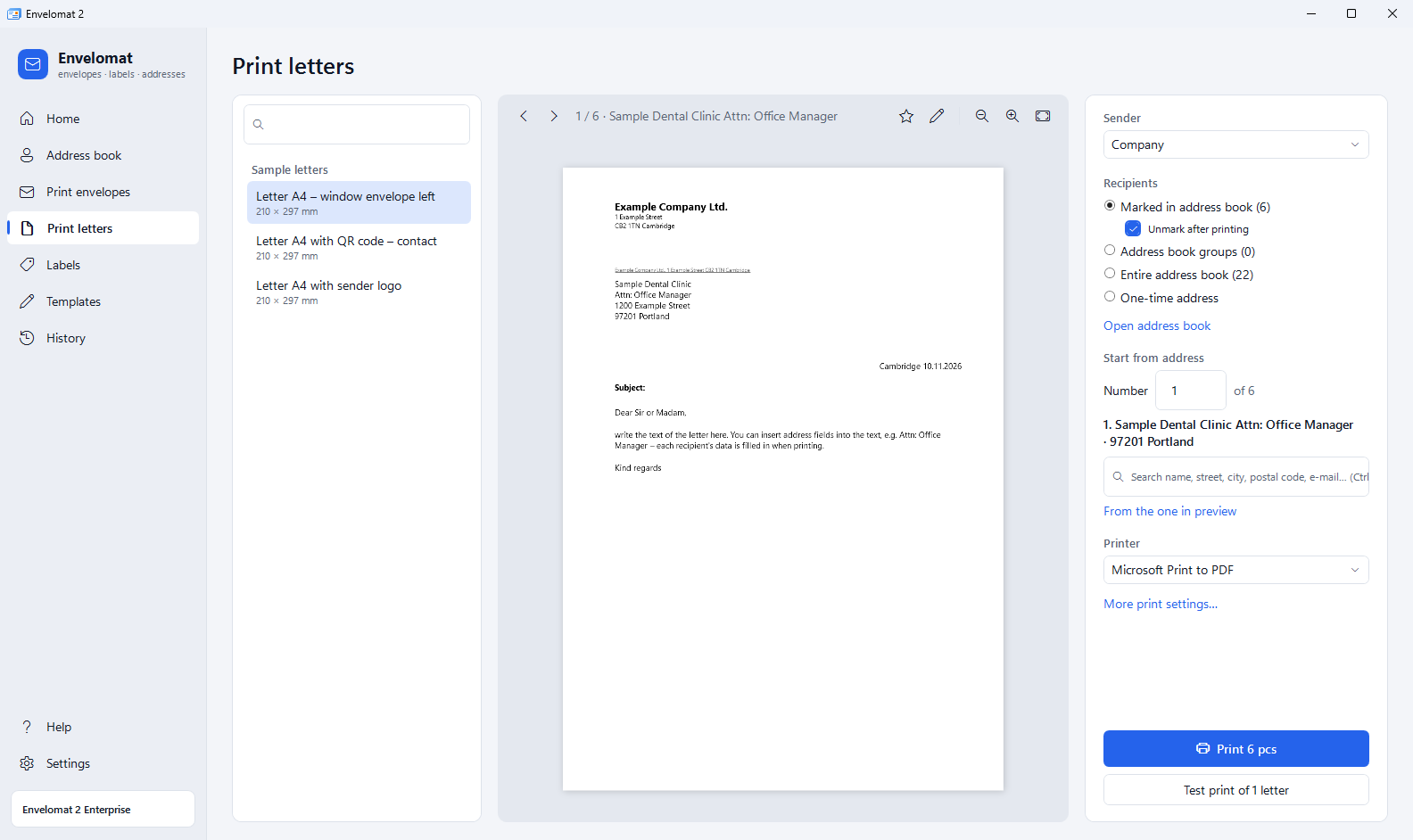
- Mail-merge letters without FastReport – design an A4 letter with the address for a window envelope and an automatic salutation right in the program.
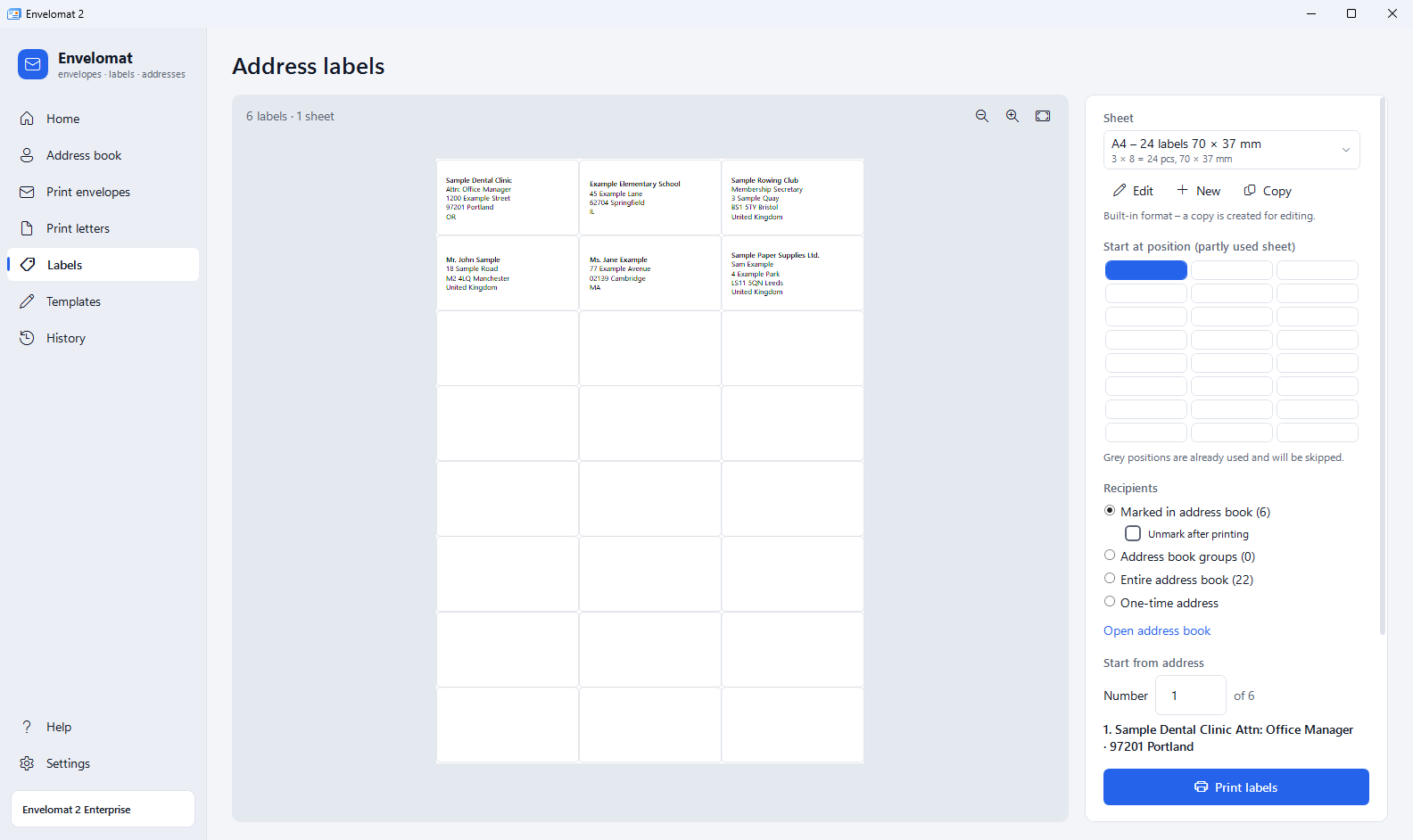
- Labels from a partly used sheet – click the first free label, the used ones are skipped. 17 label formats from Envelomat 1.x are included.
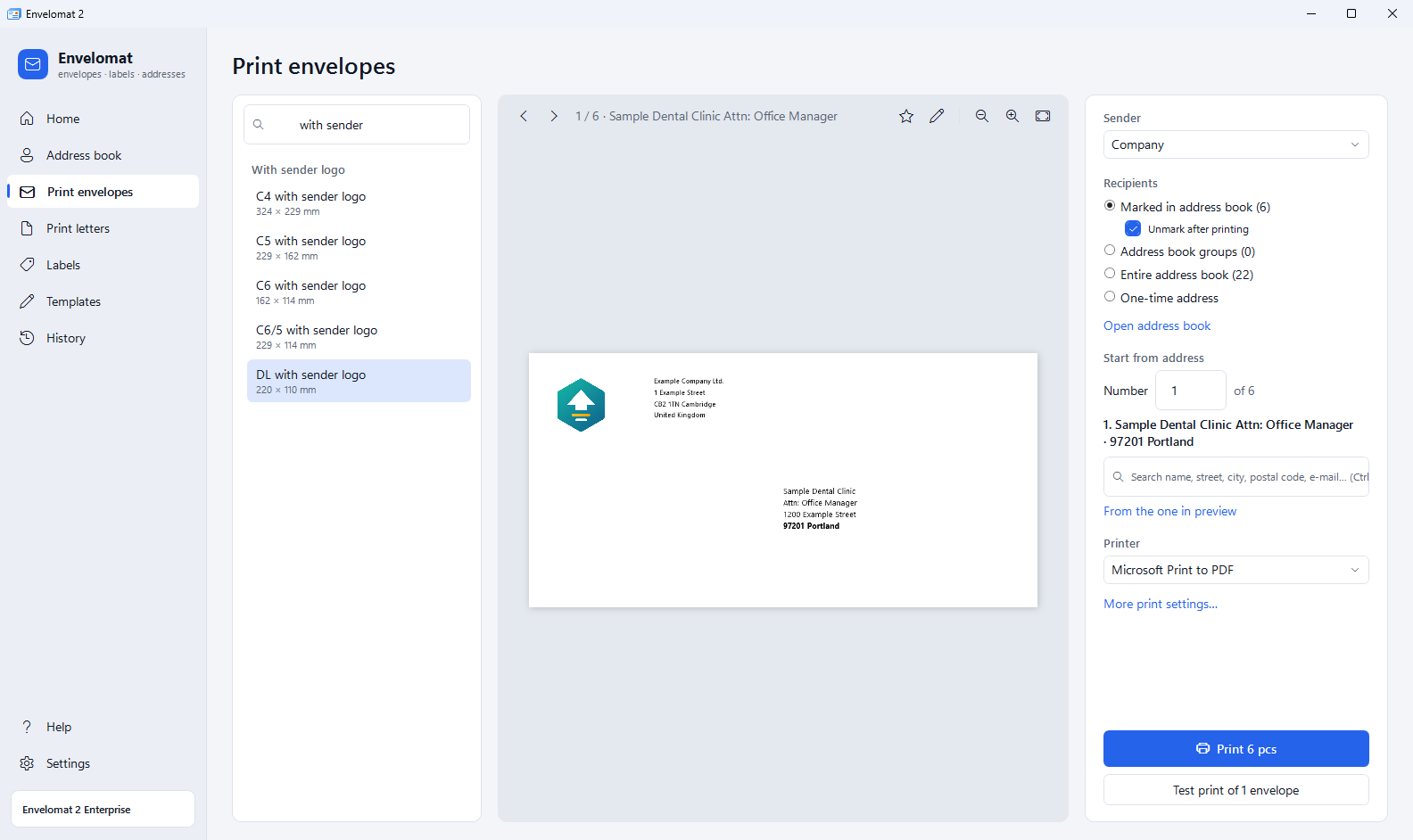
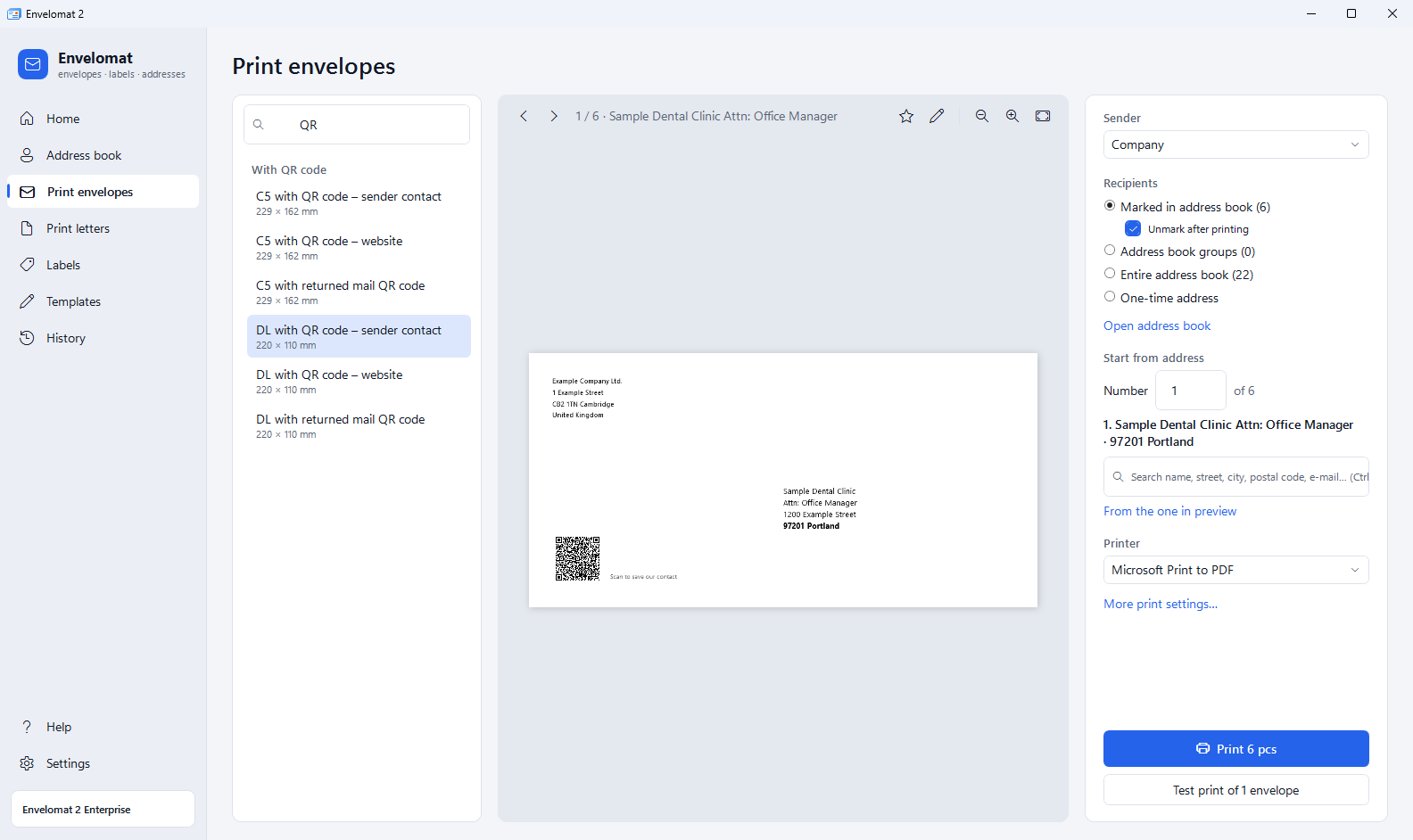
- Sender logo and QR codes – each sender with its own logo, ready-made envelopes with a QR code of your website, contact card or mail code (QR codes in Enterprise).
- Company lookup and postal code check – name, address and tax ID from the Slovak and Czech public registers by company ID; postal code check before printing.
- Returned mail and print history – undeliverable addresses are skipped, an interrupted print is finished with Continue from….
- Office with several computers – with Enterprise a shared address book on a Firebird 5.0 server and users with passwords and permissions.
Upgrade in 4 steps
- Install Envelomat 2 on the computer with Envelomat 1.x. It is installed next to the old program, nothing is uninstalled.
- Transfer your data – Envelomat 2 finds the 1.x database itself and offers Import data on the Home page. A database from another computer (file ENVELOMAT.FDB) is selected in Settings → Data transfer from Envelomat 1.x.
- Try everything free for 30 days with your own addresses – all features of the Enterprise edition.
- Order the discounted upgrade – Envelomat 2 shows the number of your 1.x licence on the home page (button Copy). Write it into the Note field of the order; after checking it we send you the licence key.
What is transferred
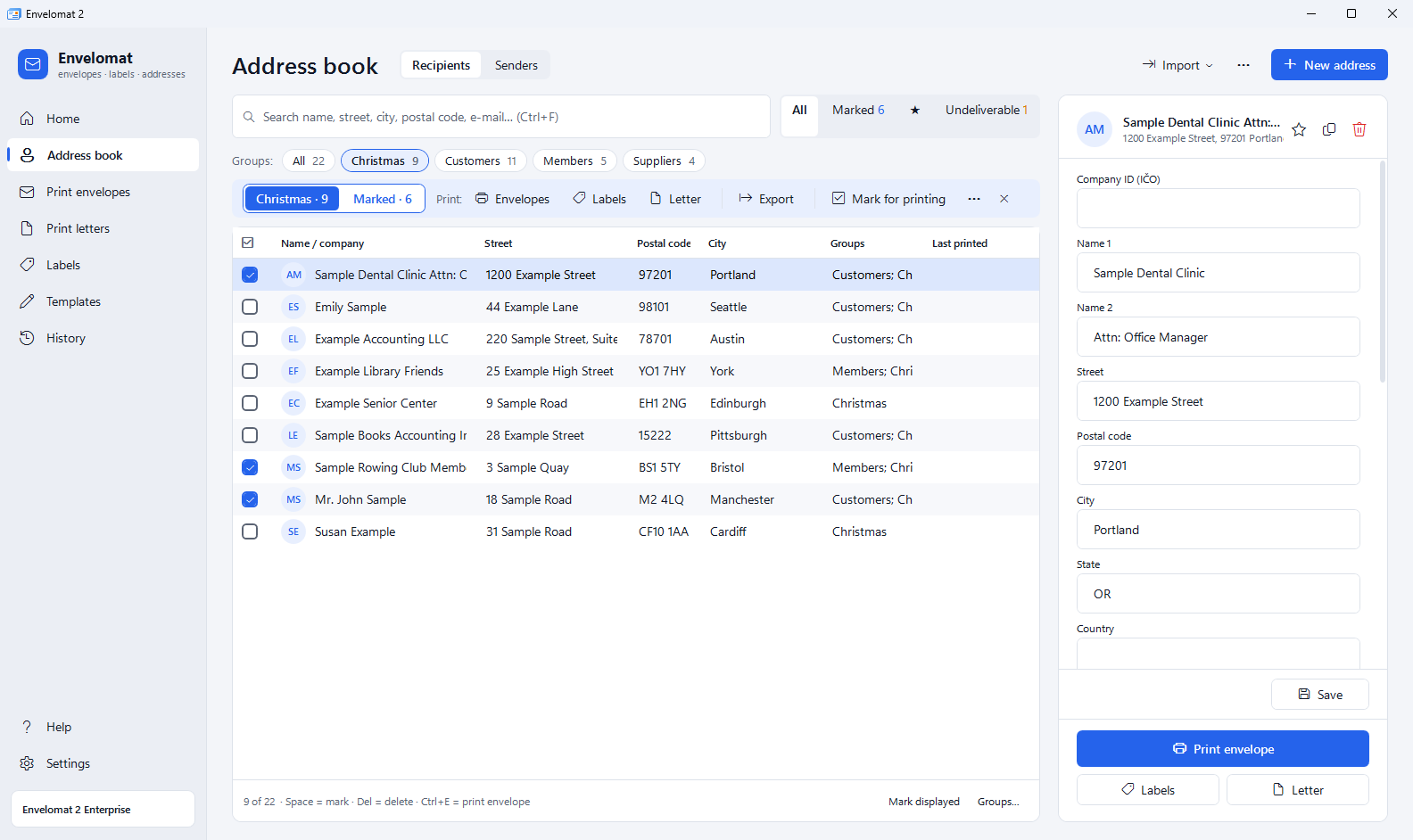
- recipient and sender addresses
- address groups
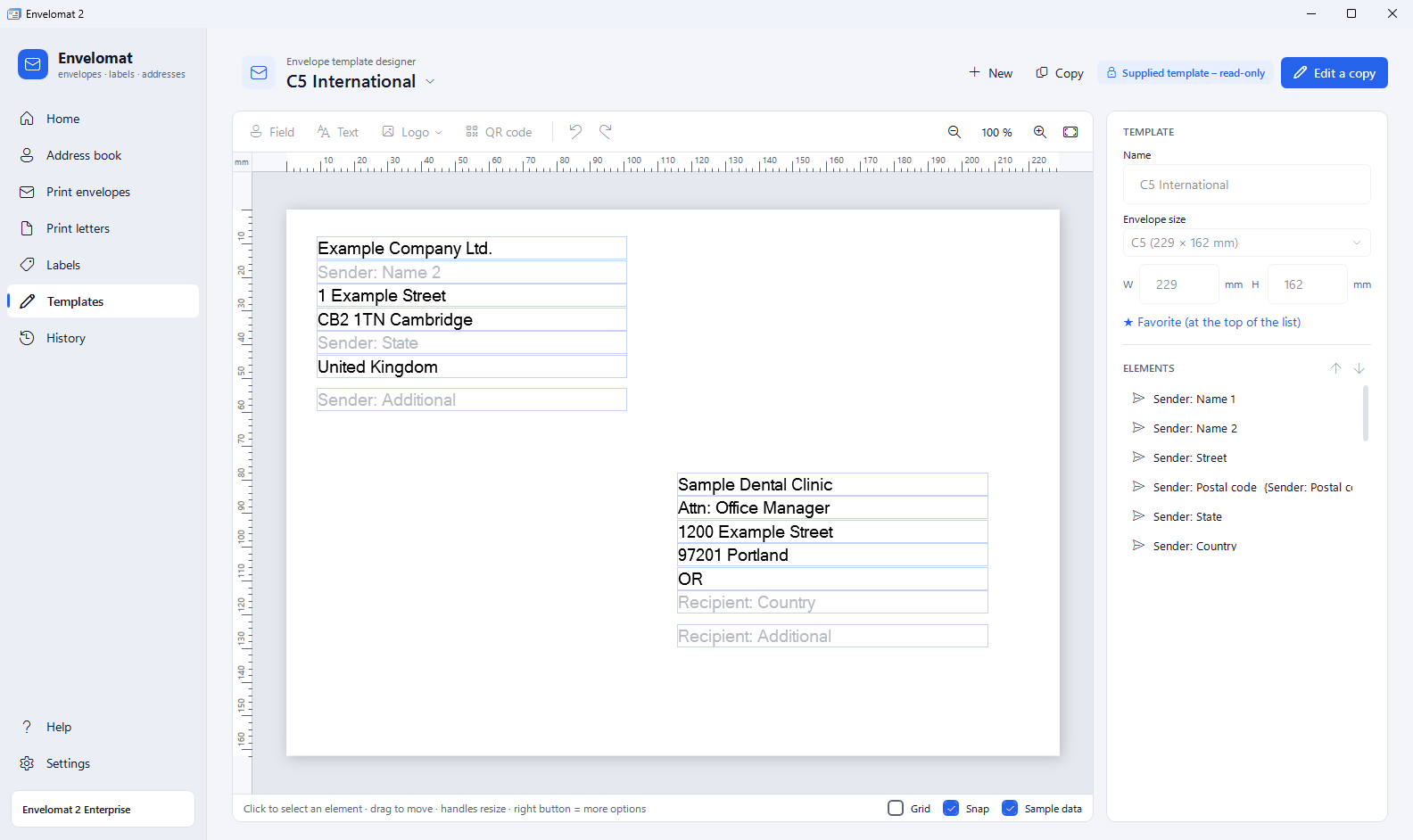
- custom envelope templates
- custom label formats
- address field names
Importing again does not create duplicates. The sample addresses Envelomat 2 adds after installation are removed automatically after the import.
What is not transferred
- The licence – Envelomat 2 is a new product with its own licence; a 1.x licence is not valid in it, but entitles you to the discounted price.
- FastReport mail-merge letters – in Envelomat 2 you create them in the template designer as an A4 letter.
Envelomat 1.x and its database are not changed by the transfer – you can use both while you try the new program.
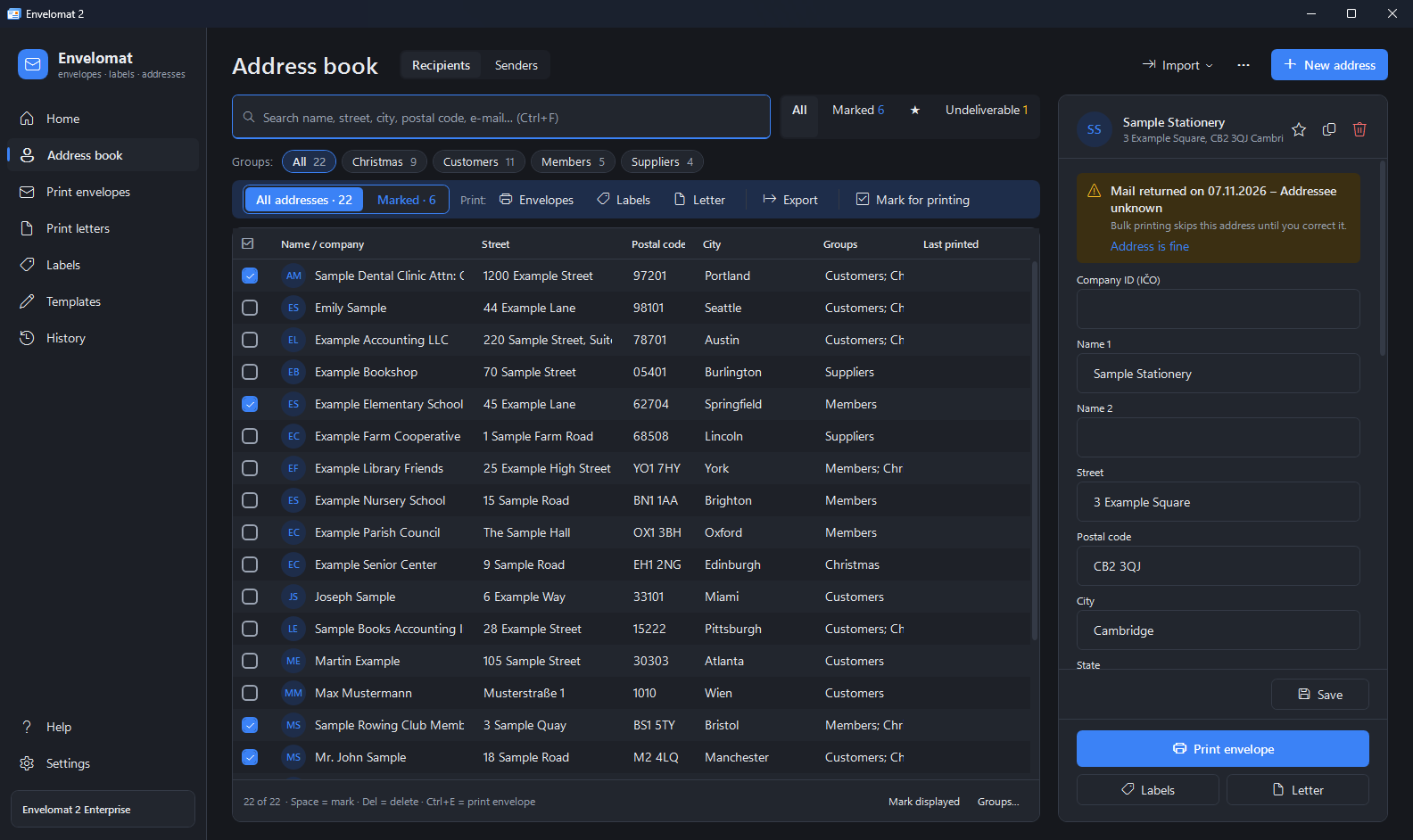
Envelomat 2 screenshots
Frequently asked questions
How much is the upgrade from Envelomat 1.x?
Owners of a paid 1.x Basic licence buy Envelomat 2 Basic for €25 (instead of €39). Owners of a 1.x Enterprise, Business or Network licence buy Envelomat 2 Enterprise for 3 computers for €59 (instead of €99). One-time payment, perpetual licence.
Is my 1.x licence valid in Envelomat 2?
No. Envelomat 2 is a new product with its own licence. A 1.x licence entitles you to the discounted price; trial licences of 1.x are not eligible.
Where do I find my 1.x licence number?
Start Envelomat 2 on the computer with Envelomat 1.x – the home page shows the offer with your licence number and a Copy button.
Will I lose addresses or templates?
No. The data transfer does not change Envelomat 1.x or its database and works without a licence, in the trial. If something is not right, you can repeat the transfer – no duplicates are created.
Can I still use Envelomat 1.x after upgrading?
Yes, Envelomat 1.x stays installed and working. The data is not synchronised between the programs, though – enter new addresses only in Envelomat 2.
I am moving to a new computer. Does the transfer work there?
Yes. Copy the Envelomat 1.x database file (ENVELOMAT.FDB) to the new computer and select it in Envelomat 2 in Settings → Data transfer from Envelomat 1.x. Envelomat 1.x does not have to be installed there.
We used Envelomat 1.x on a network. What now?
The Enterprise edition has a shared office database on the free Firebird 5.0 server and users with permissions. Transfer the 1.x data into Envelomat 2 on one computer; the administrator then moves it to a new database on the server with one button.
Which Windows versions are supported?
Windows 10 and Windows 11, 64-bit. The installer is signed by UtilStudio, s.r.o. and installs .NET Framework 4.8 if it is missing.
Upgrade to Envelomat 2 – free for 30 days, then at a discount
For Windows 10 and Windows 11 (64-bit). Free 30-day trial – the data transfer works even without a licence.