


Fewer colours, smaller files
Tick Color depth and choose Select target color depth. Lower depth means fewer colours and smaller files – useful for icons, diagrams and graphics, rarely for photos.
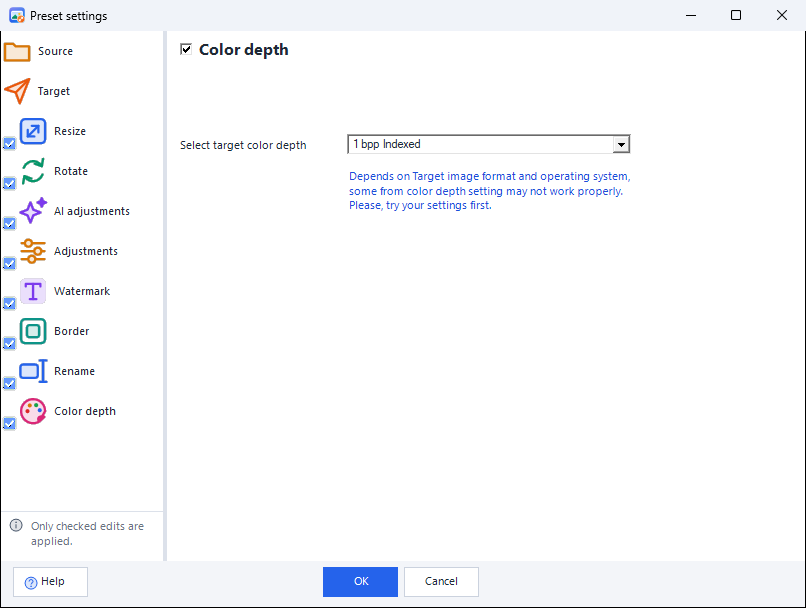
Choices
- 8 bpp Gif, 8 bpp Png – 256 colours with an optimised palette (nQuant).
- 1, 4, 8 bpp Indexed, 16, 24, 32 bpp formats of Windows.
Depending on the target image format and Windows, some combinations may not work – try your settings on a few photos first.
Related topics
In the program, the Help button (main window and preset settings) and the F1 key in any window open the page for exactly the window – and the section of the settings – you are working in. Something missing? Write to us.