


Rotating all photos of a run
Tick Rotate image to turn or mirror all photos of a run in the same way.
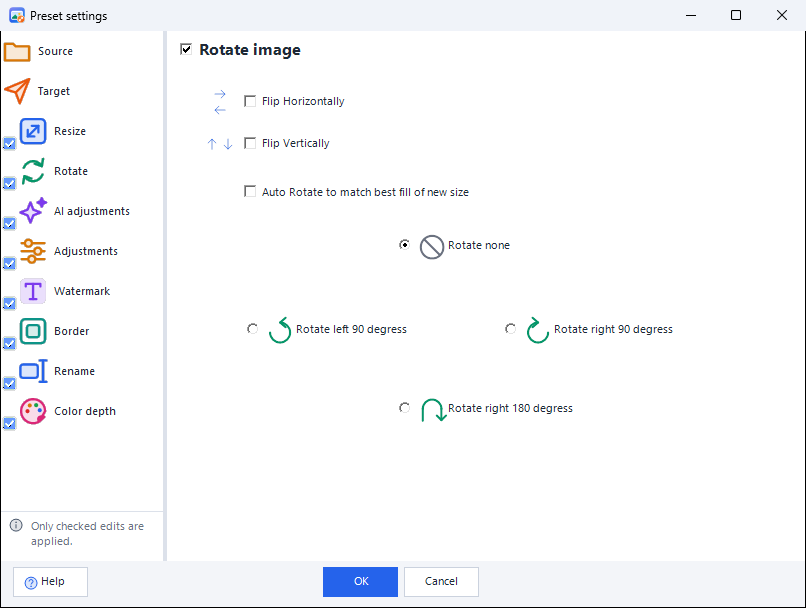
Settings
- Flip Horizontally / Flip Vertically – mirror image.
- Auto Rotate to match best fill of new size – a portrait photo is turned when it then fills a landscape size better (and vice versa).
- Rotate none, Rotate left 90 degress, Rotate right 90 degress, Rotate right 180 degress.
Upright photos from the camera
To turn photos by the orientation saved by the camera, you do not need this section – use Rotate photos by camera orientation (EXIF) in the Target section.
Related topics
In the program, the Help button (main window and preset settings) and the F1 key in any window open the page for exactly the window – and the section of the settings – you are working in. Something missing? Write to us.